
BMS Graphic Design for Control Interfaces
3EC designs BMS graphics that help operators understand plant status, move confidently through a system and act quickly when attention is needed. Effective graphics are not just decorative front ends. They are operational tools.
In building automation, graphic design needs to serve clarity first. Visual layouts should make system hierarchy obvious, support fault finding and reflect how people actually navigate a site. When graphics are done well, they improve day-to-day usability and make the underlying engineering easier to work with.
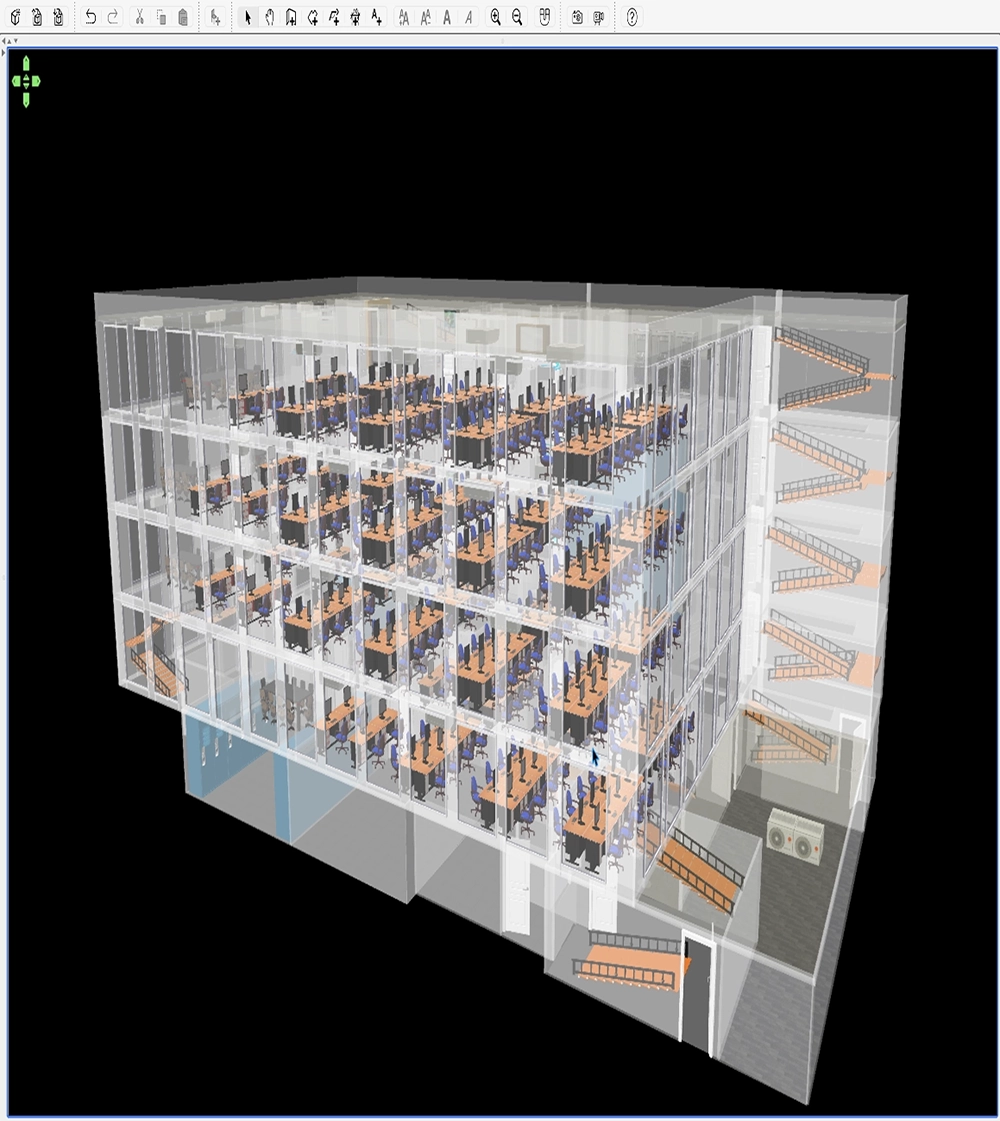
Design that supports operations
Operators need to identify issues quickly, move between levels of detail easily and understand at a glance what equipment is doing. Poor graphics slow that process down. They can hide useful information, overcomplicate navigation or make alarms and plant states harder to interpret than they should be.
3EC approaches BMS graphic design with the operator, maintainer and commissioning engineer in mind. Layout, hierarchy, iconography and information density all need to support practical decision-making rather than simply filling a page with plant symbols.
Clear plant visualisation
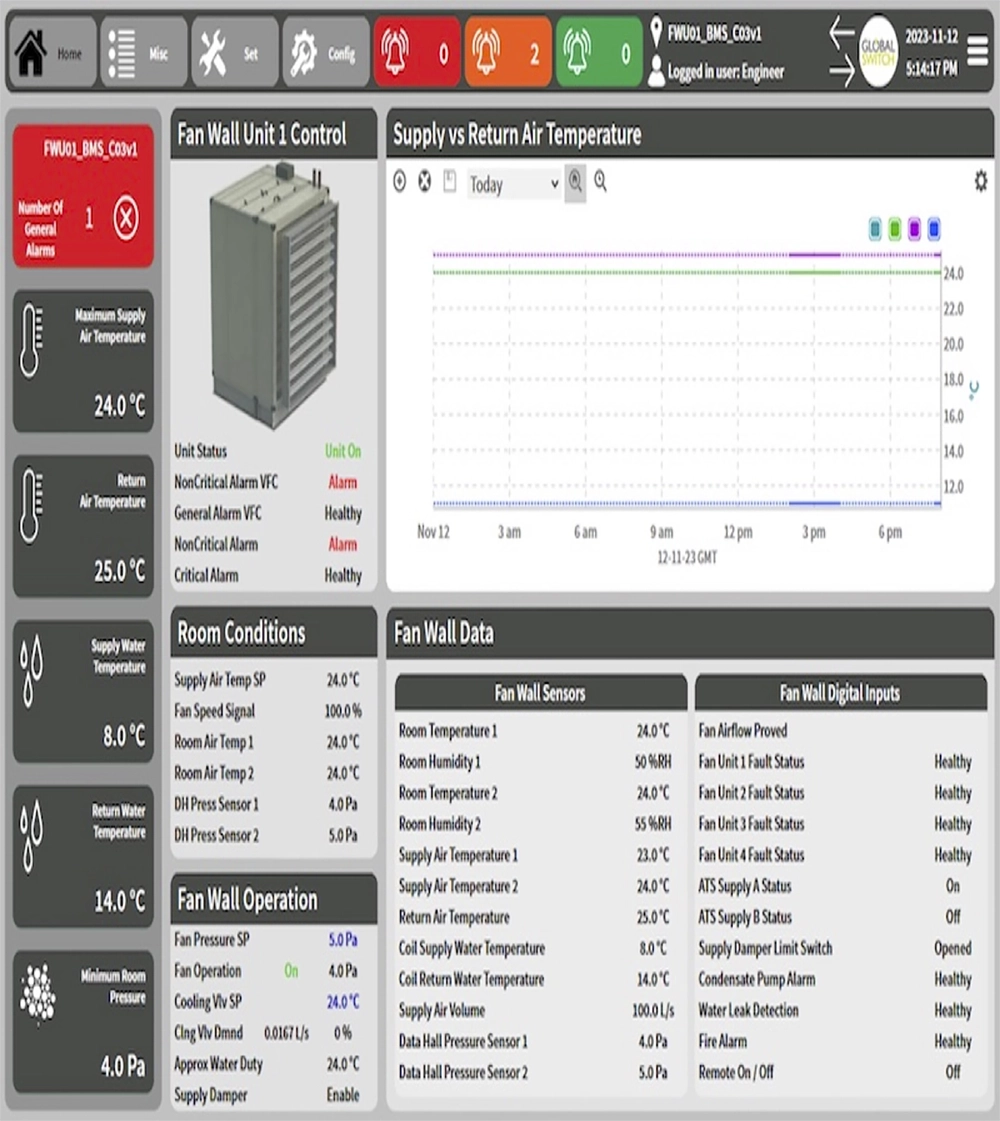
Graphics can be structured around the way systems are actually operated, making it easier to interpret plant state, alarms and key values.
Consistent design language
Consistent symbols, colour use and navigation patterns reduce confusion and improve usability across larger estates or multi-page systems.
Project-specific interface work
Custom interface design can reflect unusual plant arrangements, specialist spaces or client standards that generic templates do not handle well.
Alignment with engineering reality
Graphics should mirror the actual control logic and integration structure so the front end remains trustworthy during live operation.
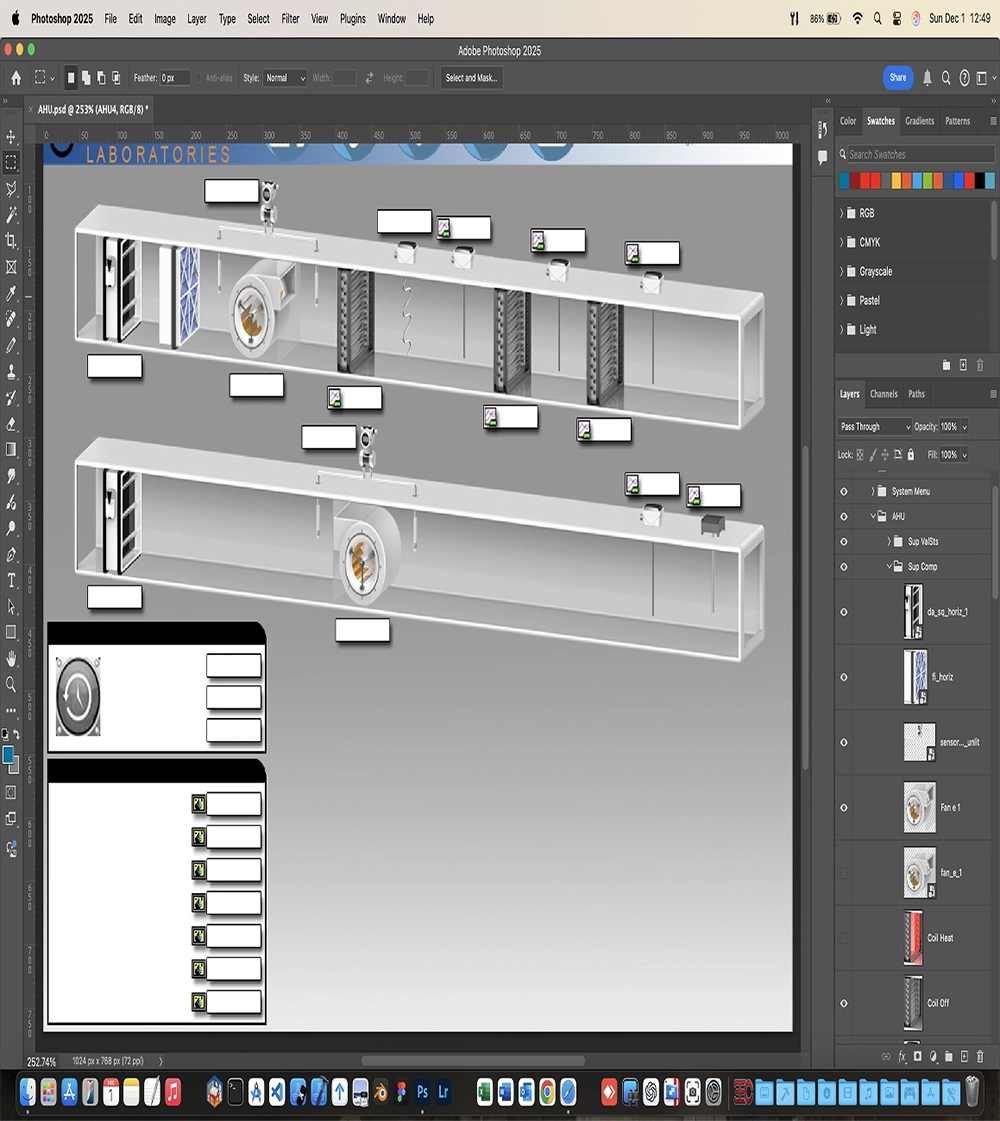
Interface examples
Graphic design is one of the most visible ways engineering quality reaches the operator. These examples reflect the kind of visual language and system presentation 3EC supports.
Graphics as part of the engineering package
Good BMS graphics are inseparable from the surrounding engineering work. They rely on sensible point naming, coherent control logic and integrations that expose data properly. A well-designed interface should help reveal what the automation is doing, not obscure it behind clutter or inconsistent presentation.
Because 3EC also works in software development, automation logic and protocol integration, graphics can be designed with awareness of the wider control environment. That makes the finished interface more useful during commissioning and more dependable after handover.
Useful for both new works and updates
Graphic design work may form part of a new project or a refresh of an existing system that has become dated or difficult to navigate. In both cases, the objective is to improve usability while respecting the operational needs of the site. This can include clearer page structures, improved navigation, refreshed visuals and more effective ways of presenting plant, alarms or energy information.
When graphics reflect system behaviour properly, they reduce friction for the user and help the BMS feel like a coherent tool rather than a collection of disconnected screens.
Discuss BMS graphic design with 3EC
If your building automation project needs clearer BMS graphic design, interface updates or operator-focused visualisation, contact 3EC to discuss the requirements.